Guides
New here? Start with the quick-start flow, then dig into the detailed guides.
From zero to playing in a few short steps.
Create an account / log in
You'll need an account to host or join a game.
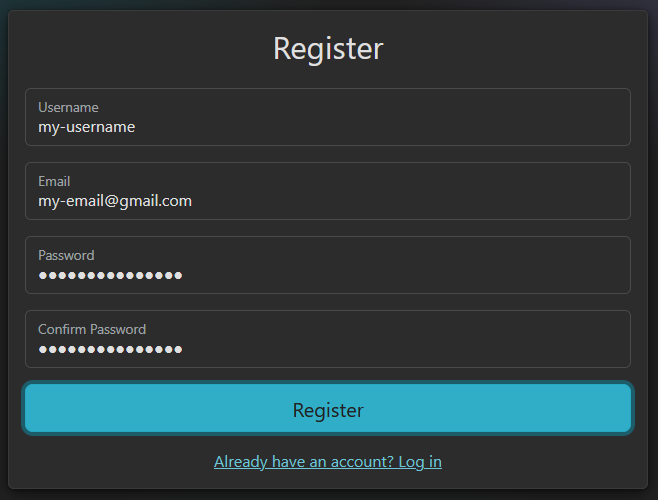
New here? Click Register in the top-right, fill in your details and submit. To keep accounts secure, registering requires a confirmed email address — so you won't be logged in automatically. We'll email you a confirmation link: open it to verify your address. If it hasn't arrived within a minute or two, check your spam / junk folder just in case. Once your email is confirmed, head back and log in.
Already registered? Just click Login and enter your username or email, and password.
Customise your profile Optional
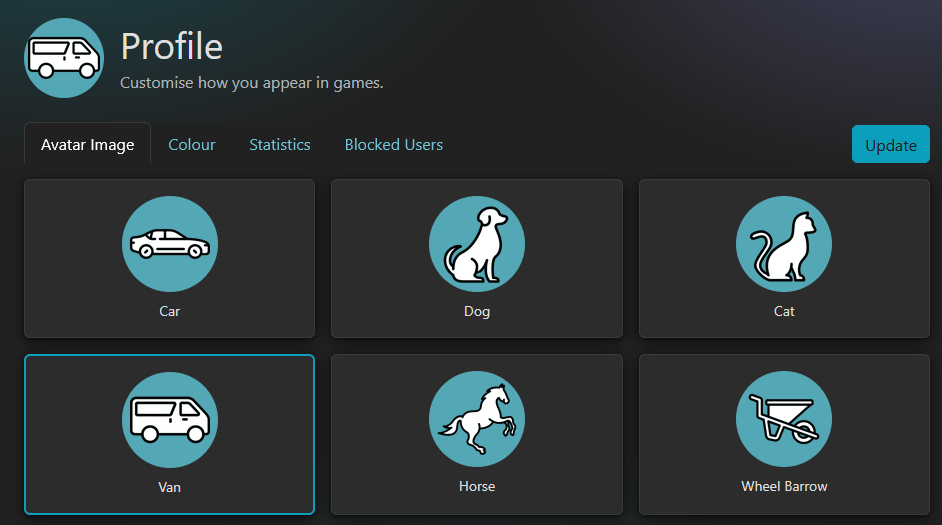
Make yourself recognisable at the table with your own avatar and colour. It's completely optional — set it up now, or come back to it any time.
Open your Profile (the menu top-right → Profile, or the button below). On the Avatar Image tab, click any avatar to choose it. Then switch to the Colour tab and pick a background colour — the preview updates as you go (leave it unset for a deep-black background).
On either tab, click Update to save. Your new look then appears everywhere you show up in games.
Add friends
To play together, you'll need to be friends first.
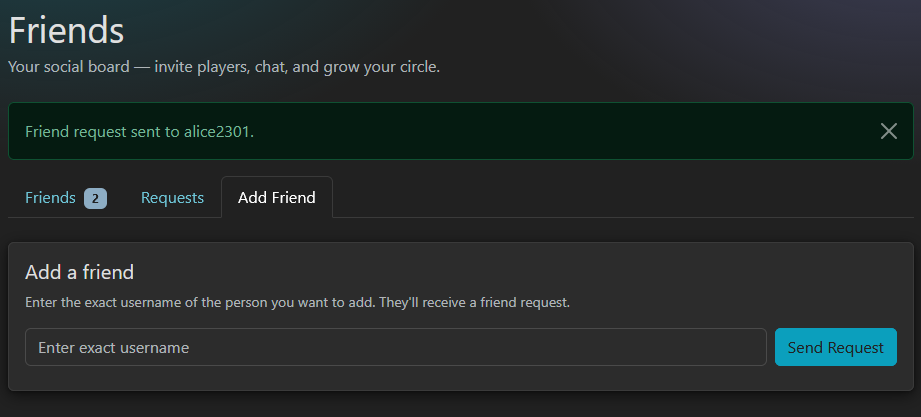
Add someone by typing their username on the Add Friend tab and sending a request — they'll be notified and can accept it. The other way round, when a player adds you their request shows up on the Requests tab, where you can accept the ones you want to play with.
Once a request is accepted either way, you're friends and can invite each other to games.
Host a game
One person hosts on a big screen — a tablet, laptop or desktop (not a phone; the shared board needs the room).
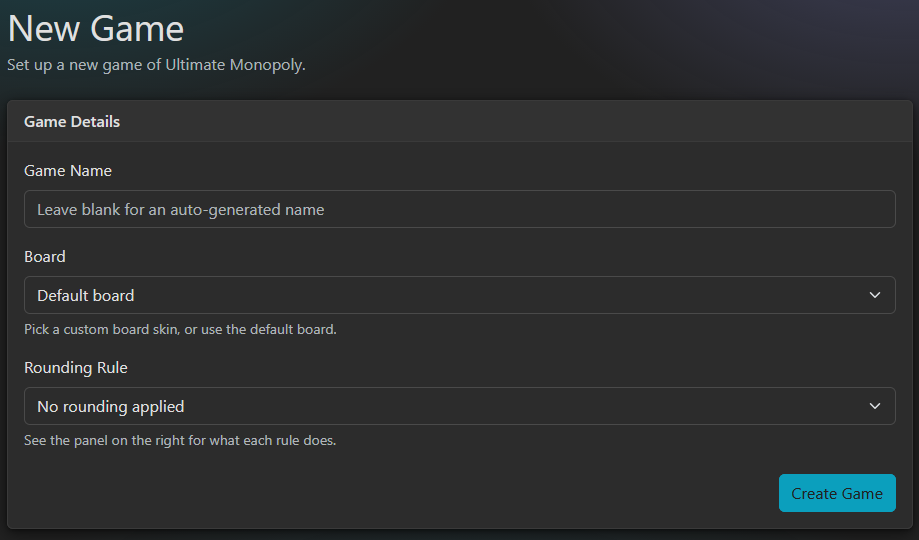
Open New Game (Games menu → New Game), give it a name (or leave it blank for a random one), pick a board and a rounding rule, then hit Create Game. You'll land in the game lobby, ready for players to join.
Join a game
Everyone else joins the host's game. There are two ways in:
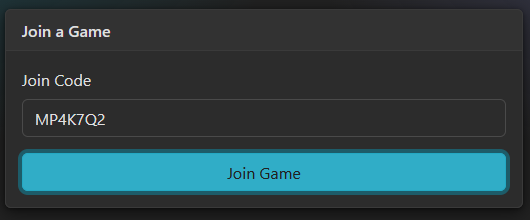
- Enter the join code shown on the host's screen
(e.g.
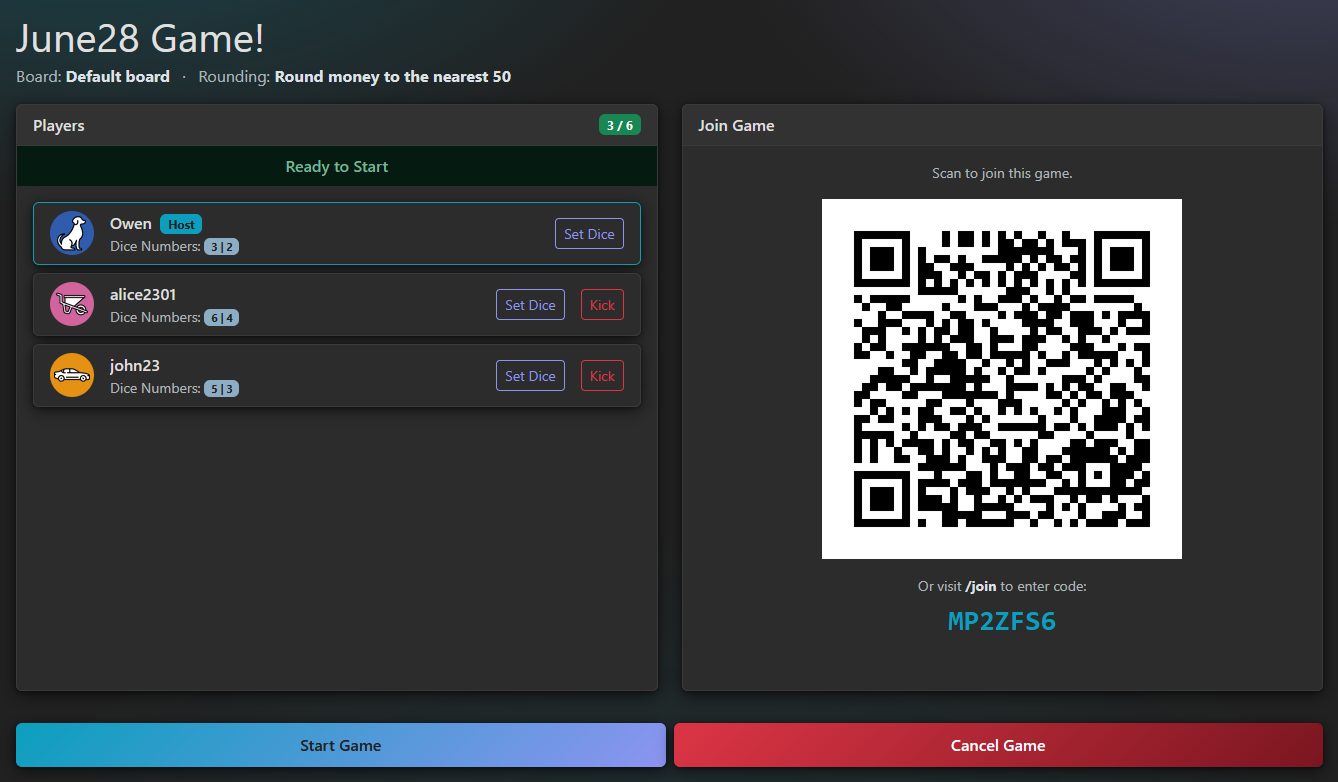
MP4K7Q2) on the Join Game page. - Or scan the QR code on the host's tablet/laptop with your phone — it opens the game straight away.
Use your phones
The board stays on the host's big screen, while each player uses their own phone as a private controller — rolling dice, checking properties, making deals and more.
Everyone can hop onto their phone two ways:
- Scan the QR code on the host's screen (quickest), or
- Open My Games or Joined Games and pick the game from the Setup tab (while it's still being set up) or the In Play tab (once it's started).
Start & play the game!
Each player picks their personal dice number during setup. Once everyone's ready, the host presses Start Game — and you're playing!
The host's big screen shows the shared board: what's sitting in Free Parking, which properties are still available, how many houses and hotels are left, every rule the game engine applies as it happens, and the full list of players.
You take your turn from your phone. Your player screen has five tabs:
Profile
Your money and key metrics, where you are on the board, and which sets you've handed into Free Parking.
Properties
Every property you own, grouped by set — build or sell houses and hotels, mortgage or unmortgage, and un-reserve.
Cards
All the cards you hold, with Play buttons for the ones you can play at the start of your turn.
Loans
Any bank loans you've taken out, how much you still owe, and the option to repay them.
Deal
Propose a deal to another player — pick properties and set money to give or take on each side.
Every player also appears in the player list on the host's screen, so the host can open and control any player's screen right from the tablet/laptop — just tap a player in the list.
In-depth guides are on the way
Step-by-step guides for every part of the game are coming soon.
In the meantime, the Quick Start tab gets you playing, and the full rulebook covers every rule in detail.